 A Printing United Alliance Member
Digital Prepress Solutions for Printing on Demand
- 28th January 2026
- Prepress Services
- Alpha Prepress.
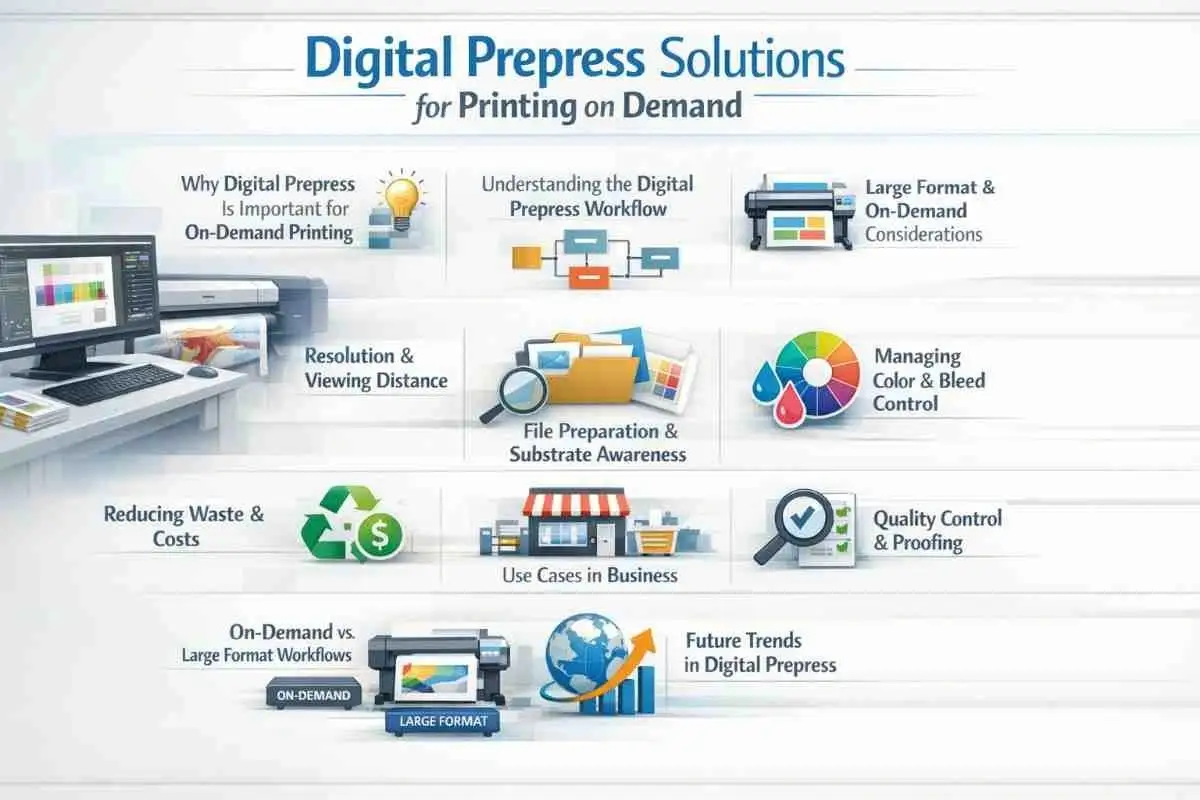
Commercial printing companies have changed the way they do business due to on-demand printing. In commercial printing, packaging, and signs, shorter runs, different levels of artwork quality, and stricter turnaround times have all been the norm.
The preparation of files before they reach the press significantly influences the efficiency of the production process in this scenario. Digital prepress is the technical and operational checkpoint that ensures files are correct, consistent, and ready for production without delay. When prepress is set up correctly, it reduces risk, speeds up turnaround times, and maintains high print quality across all job types.
Commercial prepress is no longer just a supplementary function for print shops that handle a lot of artwork and are always under deadline pressure. It is essential for the business to operate effectively.
1. The Role of Digital Prepress in On-Demand Printing
Where work demands remain high, this advanced prepress plays a key role. It ensures that incoming files meet technical standards, align with the needs of the press and finishing, and remain consistent across multiple print runs. Each job may have variable formats, substrates, color requirements, and finishing steps, which differ from long-run printing.
still slightly vague but acceptable without losing flexibility. Before printing starts, automated and semi-automated tests detect missing fonts, incorrect color spaces, resolution issues, and layout problems. This consistency is especially helpful for print companies that have to handle several clients and sorts of jobs at the same time.
This prepress helps with operational efficiency in addition to technical correctness.
2. Understanding Digital Prepress Workflows
Digital prepress ensures that every file entering production is ready to print. This is more than just looking at files. An organized prepress operations workflow checks files against certain production limits and output needs.
A normal workflow has:
- Taking in files and checking them for the first time
- Checks before the flight against the press specifications
- Changes to the layout, color, and resolution
- Creating and approving proof
- Getting the final output ready for printing and finishing
3. Managing File Quality in On-Demand Environments
Inconsistent file quality is one of the greatest problems with on-demand printing. Design consultancies, in-house teams, or even the end consumers themselves may provide artwork. Digital prepress gives you the tools you need to ensure consistent output without modifying files.
- Managing resolution and enhancing image quality is crucial.
The print quality and processing speed are both affected by resolution decisions. Files with excessively high resolution consume more storage space and put a strain on RIP systems, but they do not enhance image quality. On the other hand, low resolution might make images look bad.
Such automated prepress checks adjust the resolution based on the final product’s size and viewing distance. This ensures that photos are clear and that processing remains fast. Managing resolution correctly speeds up file movement through production and reduces bottlenecks. - Managing Color Space and Profile
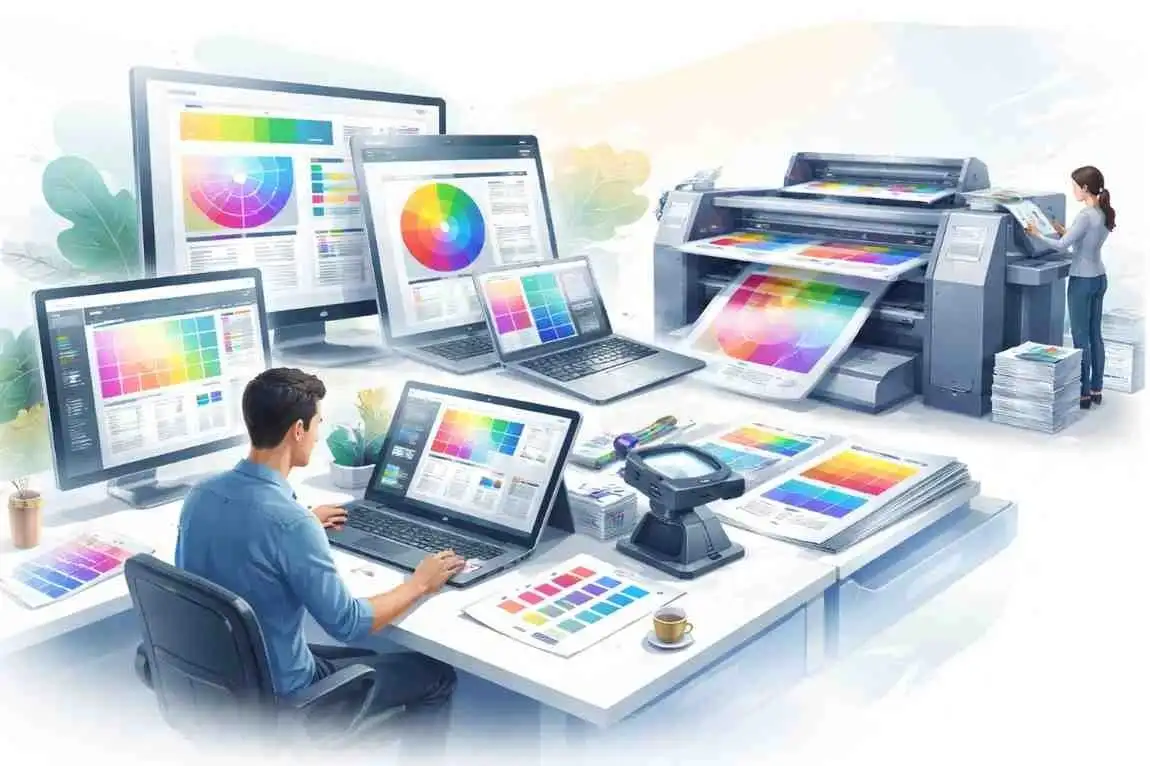
Color constancy is a significant problem in on-demand printing, especially when tasks use more than one substrate or print run. Digital prepress handles color spaces and profiles to ensure consistent results.
This prepress reduces the differences between batches and panels by using standardized color management methods. This consistency is crucial for work that is sensitive to brand identity, such as packaging and store signs.
4. Substrate-Specific Prepress Preparation
Different substrates act differently while printing and finishing. Different types of paper, corrugated materials, films, and rigid boards all react differently to ink, pressure, and the environment.
When preparing files, digital prepress accounts for these discrepancies. Changes are made based on how much ink the surface can hold, how rough it is, how long it needs to last, and how it will be finished. This preparation ensures that files are not only technically correct but also suitable for the intended material.
Not paying attention to how the substrate behaves during prepress can lead to unpredictable effects. Getting ready the right way reduces variability and helps maintain high quality across a wide range of uses.
5. Bleed, Trim, and Finishing Accuracy
Selecting the right prepress partner is a bit like picking a surgeon for a critical operation. You want expertise, reliability, and clear communication. Here’s what to look for:
Errors in finishing are some of the most obvious and expensive problems in print production. If the bleed or trim settings are incorrect, the output may have white edges, be misaligned, or be unreadable.
Digital prepress ensures bleed allowances and trim marks are applied correctly based on how the job will be finished. This is especially important for packing and large-format work because folding, cutting, and assembly add additional tolerances.
By taking care of finishing needs before printing, print shops can avoid expensive reprints and keep the end product looking professional.
6. Digital Prepress for Packaging and Signage
Prepress workflows have to work harder when there are signs and packaging. These kinds of applications frequently have complicated layouts, dielines, large sizes, and rigorous brand rules.
- Requirements for Prepress Packaging
Folds, glue spots, and die-cut shapes must all be accounted for when creating packaging files. Prepress operations check alignment, panel arrangement, and dielines to ensure the assembly is correct. It is also important for the colors to match, since packaging is generally the first thing people see of a brand.
Packaging prepress checks reduce the risk of structural mistakes that could render packaging unsuitable when it is made. - Prepress for Signage and Large-Format
When developing large-format and signage projects, you need to think about scale, viewing distance, and placement. Digital prepress handles tiling, panel alignment, and resolution scaling to ensure the output is correct at the right size.
These adjustments help prevent problems such as panels that are not lined up correctly, color variations across sections, or image degradation when graphics are blown up.
7. Workflow Differences Across Print Types
Digital prepress works in various manufacturing settings. The basic ideas remain the same, but the workflows change based on the project’s needs.
Workflow Differences Between On-Demand and Large & Grand Format Printing
| Area | On-Demand Printing | Large & Grand Format Printing |
|---|---|---|
| Job flow | Continuous and unpredictable | Planned and scale-dependent |
| File size | Moderate files, high volume | Large and complex files |
| Proofing | Standard digital proofs | Scaled or tiled proofs |
| Key risks | Repeated file corrections | Scale-related production errors |
| Prepress focus | Speed and consistency | Accuracy and advance planning |
8. Improving Visual Consistency and Output Quality
For people to think that the print quality is good, the images must be consistent. This ensures that colors, graphics, and layouts look as they should across diverse jobs and surfaces. Digital prepress does not change the creative purpose; it just turns designs into files suitable for production that work well in the real world. This uniformity makes the brand look better and reduces customer complaints.
9. Reducing Waste and Controlling Production Costs
Errors in the file during printing result in the waste of resources, ink, and time. Digital prepress reduces these costs by identifying problems before manufacturing begins. It helps businesses run more efficiently by eliminating reprints and reducing downtime. This level of efficiency is especially critical in on-demand settings, where margins are generally small and turnaround times are high.
Some of the main benefits of controlling costs are:
- Less waste of materials
- Better use of ink
- Less time lost in production
- It is always cheaper to stop mistakes before they happen than to fix them later.
10. Digital Prepress Use Cases Across Print Businesses
It helps with a lot of different print jobs, such as
- Commercial printers handling a variety of customer artwork
- Packaging converters that work with dielines and finishes
- Sign companies that make big graphics.
- Publication printers are ensuring the layout remains the same.
- Online print services that handle a lot of artwork at once
Advanced prepress services provide these industries with stability, consistency, and growth potential.
11. Quality Assurance in Digital Prepress
Prepress support services that work well use both automated checks and organized review processes to ensure files meet both technical and visual standards.
Some common quality assurance checks are
- Checking files for fonts and images
- Checking for color uniformity
- Confirmation of bleed and trim
- Standardizing formats for RIP compatibility
- Approval of proof before manufacture
- These safeguards lower risk without slowing delivery.
12. The Future of Digital Prepress Solutions
Automation, cloud-based workflows, and advanced file analysis tools are all helping digital prepress to grow. These changes enable printing companies to handle more work without hiring additional staff.
Even with these improvements, knowledge is still essential. The best prepress workflow solutions leverage technology and experienced monitoring to address complex production requirements and brand demands.
13. Conclusion
Prepress is an important part of printing on demand that works. It keeps workflows steady, reduces waste, and ensures consistent quality across a wide range of print applications.
Structured print prepress gives print companies control without slowing them down, even when they are always under deadline pressure.
Alpha Prepress offers digital prepress services that can grow with your business and align with globally recognised print and graphic standards published by the International Organisation for Standardisation (ISO) .
When print companies outsource file preparation, validation, and optimization, they may reduce the labor their employees have to do, reduce mistakes, and maintain the same level of quality across all their commercial, packaging, and signage projects. Partner with us as your prepress company to reduce file errors and make printing faster and more predictable.
14. Frequently Asked Questions (FAQ)
It checks and prepares files to make sure they are ready for printing.
By finding and fixing problems with files early on in the process.
Yes. It makes things more efficient and accurate, no matter how big the work is.
Yes. It handles substrates, tolerances, and finishing requirements.
Yes. Fewer mistakes mean less waste, less energy, and less need to print.